
Build Hub
Gunpla Build Checklist and Part Tracker for Every Cut
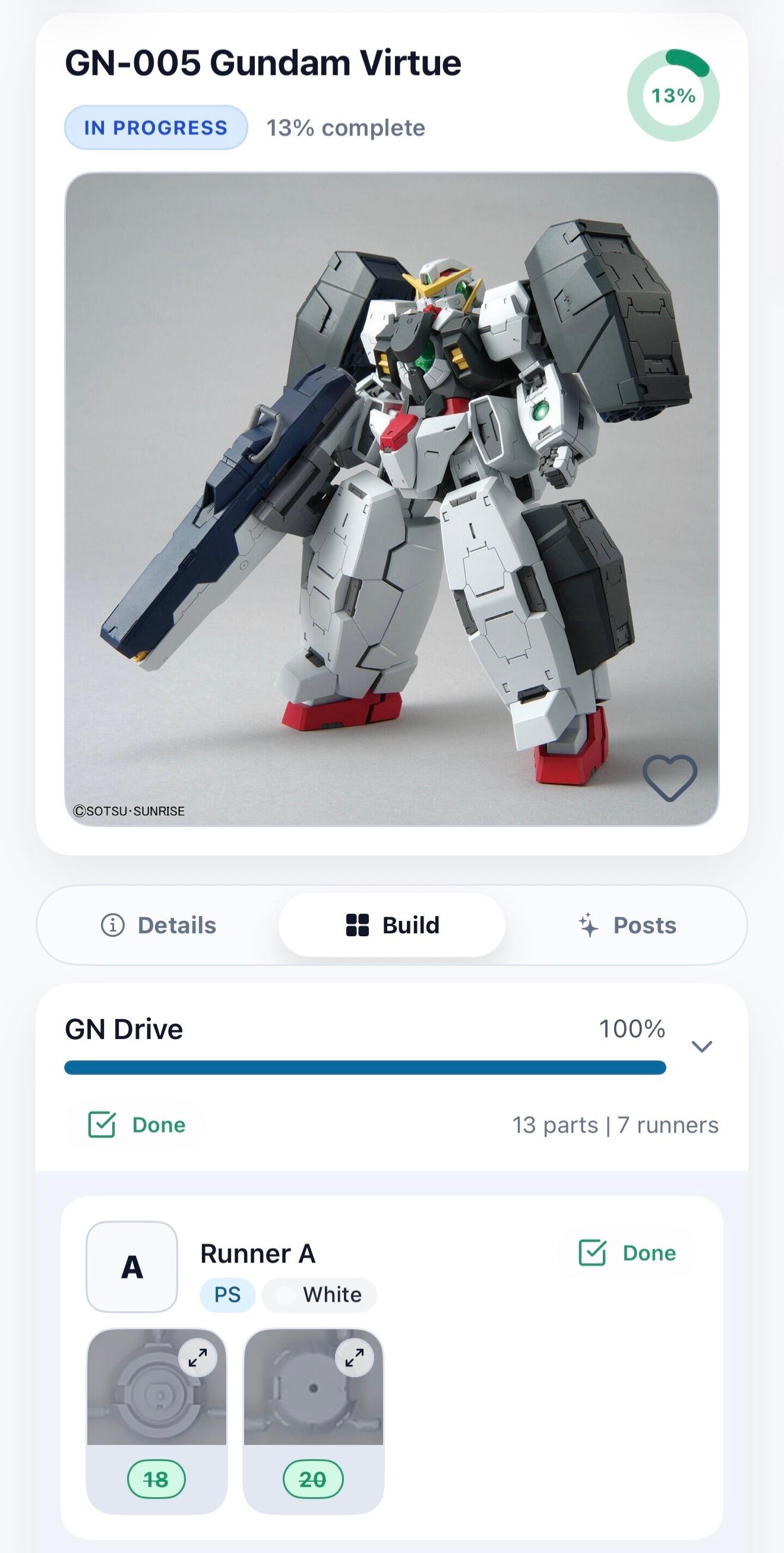
Build Hub is the per-kit checklist in Veda. Check off parts by section as you cut them from the runners, open the manual while you assemble, and add finishing phases like panel lining when you want them.
What you can do
Cut tracking by section
Parts are grouped by section, and each kit shows how many parts you have cut. Close the app mid-session and Continue cutting puts you back where you stopped.
Runner map for finding parts
Runner View lists each runner and the parts on it, and a map layout is available for supported kits. Switch between list, gallery and map layouts in view options.
In-app manuals
Open the kit manual inside Veda while you build. Supported kits have page manuals, some with step-by-step guidance. Kits without a manual still get full cut tracking.
Optional finishing phases
Turn on only the detail work you plan to do, such as panel lining, paint or a top coat. Finishing is optional, so you can mark a kit complete without it.
FAQ
Questions about Build Hub
- How do I keep track of parts while building a Gunpla?
- Open the kit in Build Hub and check off parts by section as you cut them. Veda shows the count of parts done and picks up where you left off.
- What is a runner map?
- A runner map shows a kit's runners and which parts sit on each one, so you can find the next part quickly. It is available for supported kits.
- Do all kits have in-app manuals?
- Not yet. Manuals are available for supported kits and more are added over time. Cut tracking works either way.
- Are finishing phases required?
- No. Add phases like panel lining or top coat only if you plan to do them. A kit can be marked complete without any.
- Does Build Hub progress sync across devices?
- Yes, with an account. Cut progress stays with the kit across iOS, Android and the web.
